Invoicing··6 min read
Tired of chasing clients for payment?
The work is done. The invoice is out. Now you’re stuck writing the third “just checking in” email—and hating every word.
Few parts of freelancing feel worse than chasing money. You’re not angry enough to burn the relationship, but you’re annoyed enough that every polite follow-up sounds fake—even to you.
Meanwhile, cash flow waits on someone else’s inbox. The longer an invoice sits, the more mental space it takes. That’s not a personality problem. It’s a systems problem.
The struggle: invoicing without a follow-up system
Many freelancers create invoices in a tool that only handles the PDF. Status is unclear. Reminders depend on memory. And because the invoice was rebuilt from notes, the client may not immediately recognize what they’re being asked to pay.
- Invoices disconnected from proposals or tracked time
- No clear view of sent, viewed, overdue, or paid
- Follow-ups improvised under stress
- Reminders that keep going even after payment
Make getting paid the last step of the same workflow
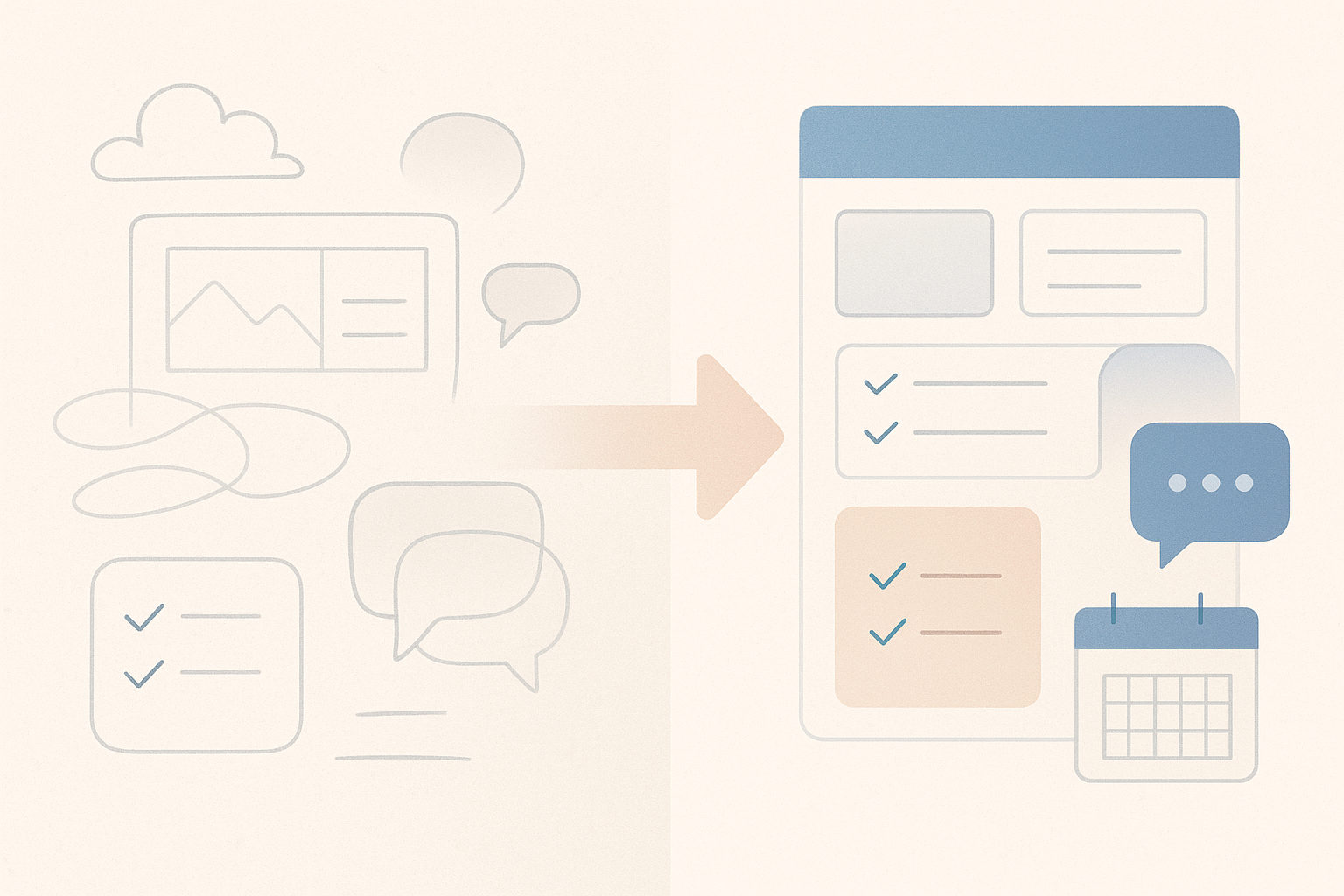
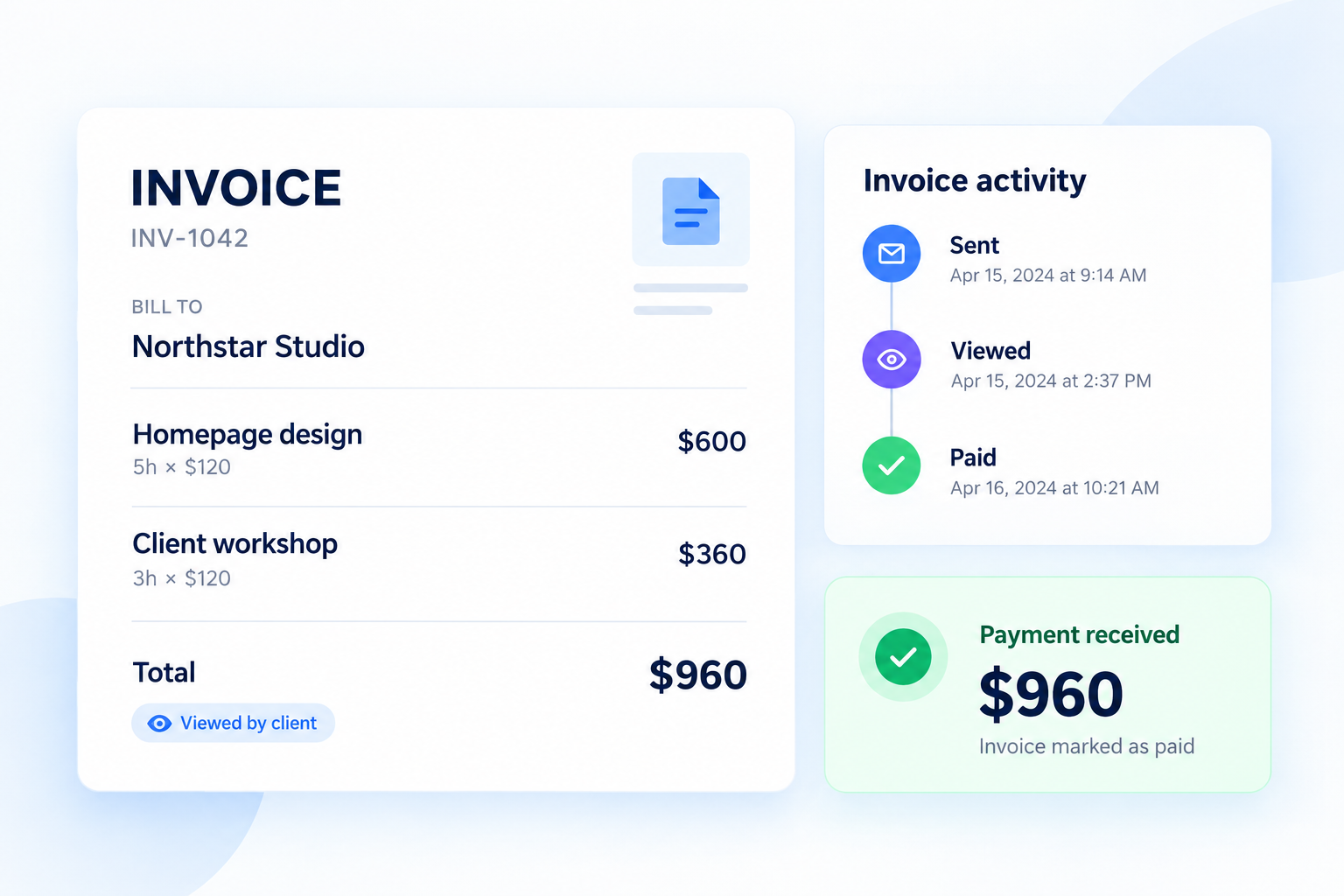
Rebban invoicing is designed for the freelance loop: create invoices from accepted proposals or tracked time, see what happens after you send, and let reminders handle the awkward middle.
- Build the invoice from work that already exists
- Send it with clear payment expectations
- Track whether it’s outstanding, viewed, overdue, or paid
- Automate reminders before and after the due date
When an invoice is marked paid, reminders stop. You’re not managing a chase list by hand.
Payment follow-up works better as a system than as a series of increasingly uncomfortable personal emails.
Fix the invoice by fixing what comes before it
Late payments are harder when the invoice itself is fuzzy. Clearer proposals and better time tracking make invoices easier for clients to recognize—and easier for you to defend.
If unbilled work is part of the cash-flow problem, read The billable hours you never invoice. If the whole admin pile is crowding out delivery, see Freelance admin is eating your billable week.
You became a freelancer to do the work—not to run a collections department from your inbox.
Put this workflow into practice
Rebban connects proposals, projects, time tracking, invoices, and payment reminders—so less work falls between tools.
Start free trial