Time tracking··8 min read
How to Track Freelance Hours Without Interrupting Your Flow
Time tracking works better when it fits your process instead of fighting it. Here is a practical way to track freelance hours without stopping every 20 minutes.
Most freelancers do not avoid time tracking because they are lazy. They avoid it because it often breaks concentration at exactly the wrong moment. You finally get into the work, then a timer asks you to label your task, switch tabs, or remember what happened in the last half hour. If you want to track freelance hours accurately, the goal is not perfect surveillance of every minute. The goal is a system light enough that you will actually keep using it, while still giving you clean records for billing, pricing, and better planning.
Good freelance time tracking should support your work, not manage you like an employee. For most independent freelancers, that means fewer manual decisions, fewer interruptions, and a simple review habit at the end of the day. When you build around your natural workflow, it becomes much easier to understand how to track billable hours without losing momentum.
Why traditional time tracking feels so annoying
A lot of time tracking for freelancers fails for a simple reason: it asks you to do extra admin while you are trying to think. If you are a designer moving between concepts, a writer outlining and drafting, or a developer debugging something messy, you may not work in neat 15 minute blocks. Real client work is often nonlinear. You research, sketch, test, rethink, answer a question, then return to the main task.
When your tracking method is too rigid, one of two things happens. Either you stop the timer and lose time, or you keep it running and stop trusting the numbers. That is why many freelancers end up recreating their day from memory on Friday afternoon, which is slow and usually inaccurate.
The best time tracking system is the one you barely notice while you work.
This matters beyond invoicing. If your numbers are weak, it becomes harder to estimate projects, protect boundaries, or notice when a client is taking more time than expected. Articles like The billable hours you never invoice and Freelance admin is eating your billable week both point to the same pattern: small untracked tasks quietly reduce your effective rate.
Use a capture method that matches how you actually work
There is no single right way to track freelance hours. What works depends on the type of work you do and how fragmented your day is. The key is choosing the lightest method that still produces useful records.
- If you work in long focused blocks, use a simple start and stop timer per client or project.
- If your day is fragmented, use broad time blocks like research, drafting, meetings, revisions, and admin, then assign them to the right client after.
- If you hate live timers, use passive capture during the day and review your activity once before you finish work.
- If you mostly bill by project, track hours anyway to learn how long work really takes and protect your pricing.
For example, a copywriter might start one timer for a morning draft session and another for afternoon revisions instead of tracking every tiny step. A web designer might track by project phase, such as wireframes, homepage design, and feedback rounds. A consultant might group client calls, preparation, and follow-up separately. This creates enough detail to bill fairly without constant interruption.
If you regularly underestimate projects, your tracking system may be too broad to show where the time goes. If you constantly abandon your tracker, it may be too detailed. The sweet spot is somewhere in the middle.
Try the low-interruption workflow: start, note, review
One of the simplest ways to handle freelance time tracking is a three-step rhythm: start the work, leave quick notes when context changes, and review once at the end of the day. This gives you accurate enough data without asking you to manage timers all day long.
- Start a timer when you begin a focused client task or work block.
- If the task changes significantly, leave a short note like outline, call prep, revisions, or bug fix. Do not overdescribe it in the moment.
- At the end of the day, review the entries for two to five minutes and clean them up while the details are still fresh.
That review step is where accuracy improves. You can split a long session into billable and non-billable work, rename vague entries, and catch time that would otherwise disappear. This is also a good moment to spot scope drift. If a project is collecting far more revision time than planned, that is a client conversation, not just a tracking problem. How to Prevent Scope Creep Before a Project Starts is useful here, especially if your tracked hours keep exceeding your original assumptions.
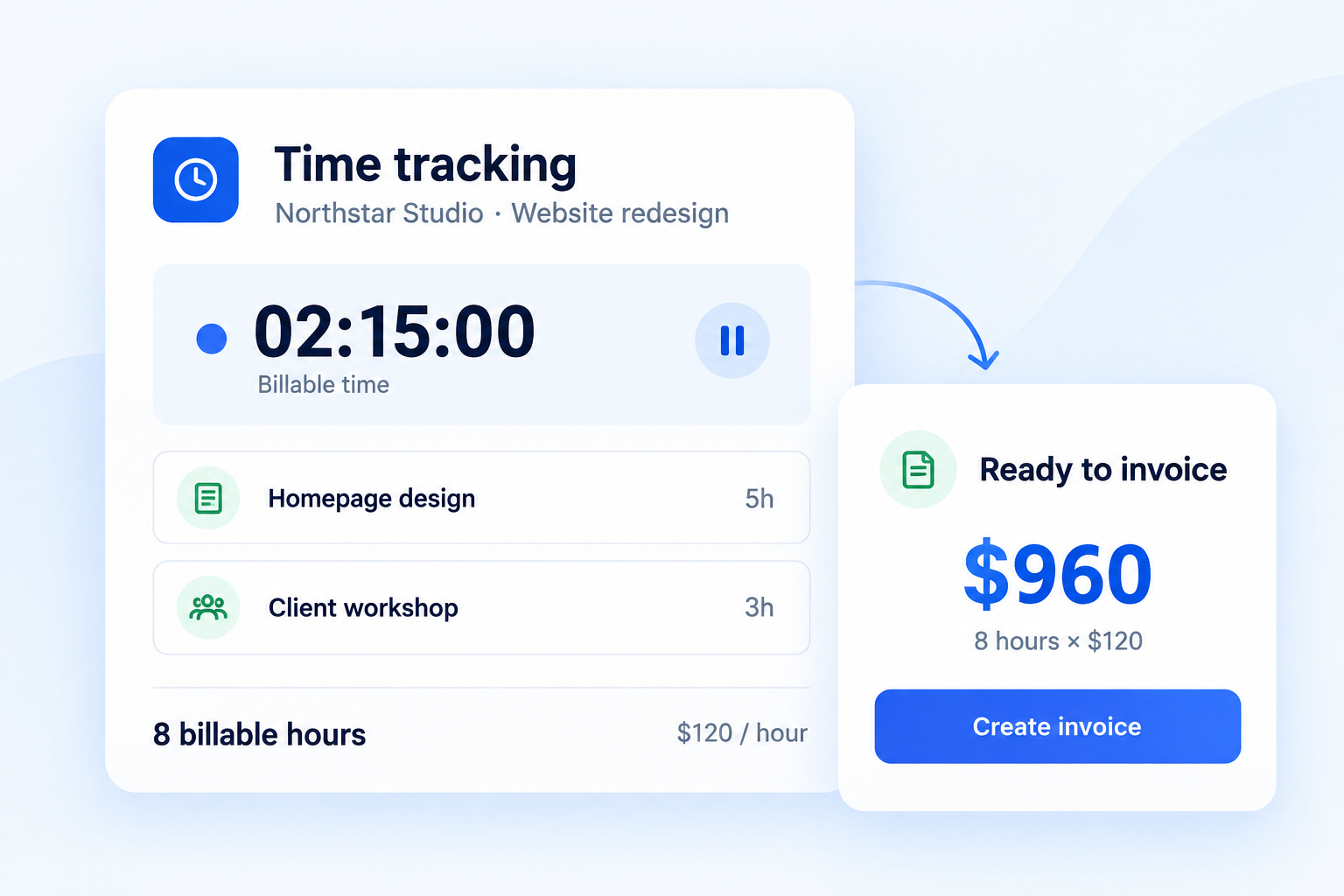
If you want a lightweight place to do this, a dedicated Time tracking view can help because the project and time data stay connected. That matters later when you need to invoice or review profitability.
Decide in advance what counts as billable
A common reason freelancers struggle with how to track billable hours is that they have never clearly defined what they bill for. The confusion does not start in the tracker. It starts in the project agreement.
Before a project begins, decide which categories are billable, which are included, and which are overhead. For many freelancers, actual production work is billable. Client meetings may be billable or included up to a limit. Proposal writing for new work is usually non-billable. Internal bookkeeping is overhead. Research may be billable if it is specific to the project, but not if it is general professional development.
- Billable: strategy sessions, project research, production, revisions within scope, presentation prep tied to the client
- Sometimes billable: meetings, travel time, extensive email back-and-forth, rush work coordination
- Usually non-billable: marketing, networking, general learning, bookkeeping, chasing unpaid invoices
The important part is consistency. When you define these categories early, your tracking becomes faster because you are not making billing decisions from scratch every time. It also helps with proposals and estimates. If your past time data shows that kickoff calls and revision rounds always take longer than expected, your next scope and pricing should reflect that. How to Write a Freelance Proposal That Wins Better Clients is a good next read if you want your project documents to support better tracking and fewer surprises.
Build tiny habits instead of relying on discipline
The easiest time tracking system to abandon is the one that depends on perfect memory. Instead of trying to become more disciplined, attach tracking to actions you already do.
- Start the timer when you open the client brief.
- Stop or switch it when you send a deliverable or leave a call.
- Review the day right before you shut your laptop.
- Check weekly totals before sending invoices.
These cues reduce decision fatigue. You do not have to remember a new habit from scratch because the work itself triggers the tracking. Over time, this is more reliable than setting repeated reminders that interrupt your concentration.
It also helps to keep your system simple. If client work lives in too many places, your time records become fragmented too. When client work lives in five apps, something always slips explains why consolidation often improves both follow-through and accuracy. Simpler workflows are not just nicer. They make missing time less likely.
Use your time data for more than invoicing
Once you consistently track freelance hours, the payoff goes far beyond a cleaner invoice. You start seeing patterns. Which clients create the most context switching? Which project types are profitable? How much time disappears into revisions, meetings, or admin? Those answers make you better at pricing and capacity planning.
For example, if a fixed-fee project took 18 hours but your price only covered 10, that is useful information. It does not automatically mean the client was difficult. It might mean your process needs tightening, your proposal was vague, or your rate needs adjusting. The U.S. Small Business Administration offers practical guidance on managing business cash flow, which is closely tied to understanding where your time actually goes. The Freelancers Union also has a broad library of resources at Freelancers Union that can help independent workers build stronger business habits.
This is where time tracking becomes less about surveillance and more about self-protection. Better records help you quote future work, defend your boundaries, and notice when admin is crowding out paid work. If you need help translating time data into better rates, Freelance Pricing Guide for People Who Hate Talking About Money can help.
A calm system you can keep using
If time tracking has never stuck for you, that does not mean you are bad at business. It usually means the system asked too much of your attention while you were trying to do skilled work. A better approach is calm, lightweight, and boring in the best possible way: start when focused work begins, leave brief notes only when needed, review once before the day ends, and use the data to improve future projects.
You do not need perfect logs to make better decisions. You need records accurate enough to support fair billing, realistic pricing, and fewer end-of-week guesswork sessions. If your current process feels scattered, start small. Track one client for a week. Review what was easy, what was annoying, and what went missing. Then simplify until the habit fits your flow instead of interrupting it.
Put this workflow into practice
Rebban connects proposals, projects, time tracking, invoices, and payment reminders—so less work falls between tools.
Start free trial